FOR AMAZON CLOTHING SELLERS

You tried AI photos. It handed you back a product that wasn't yours.

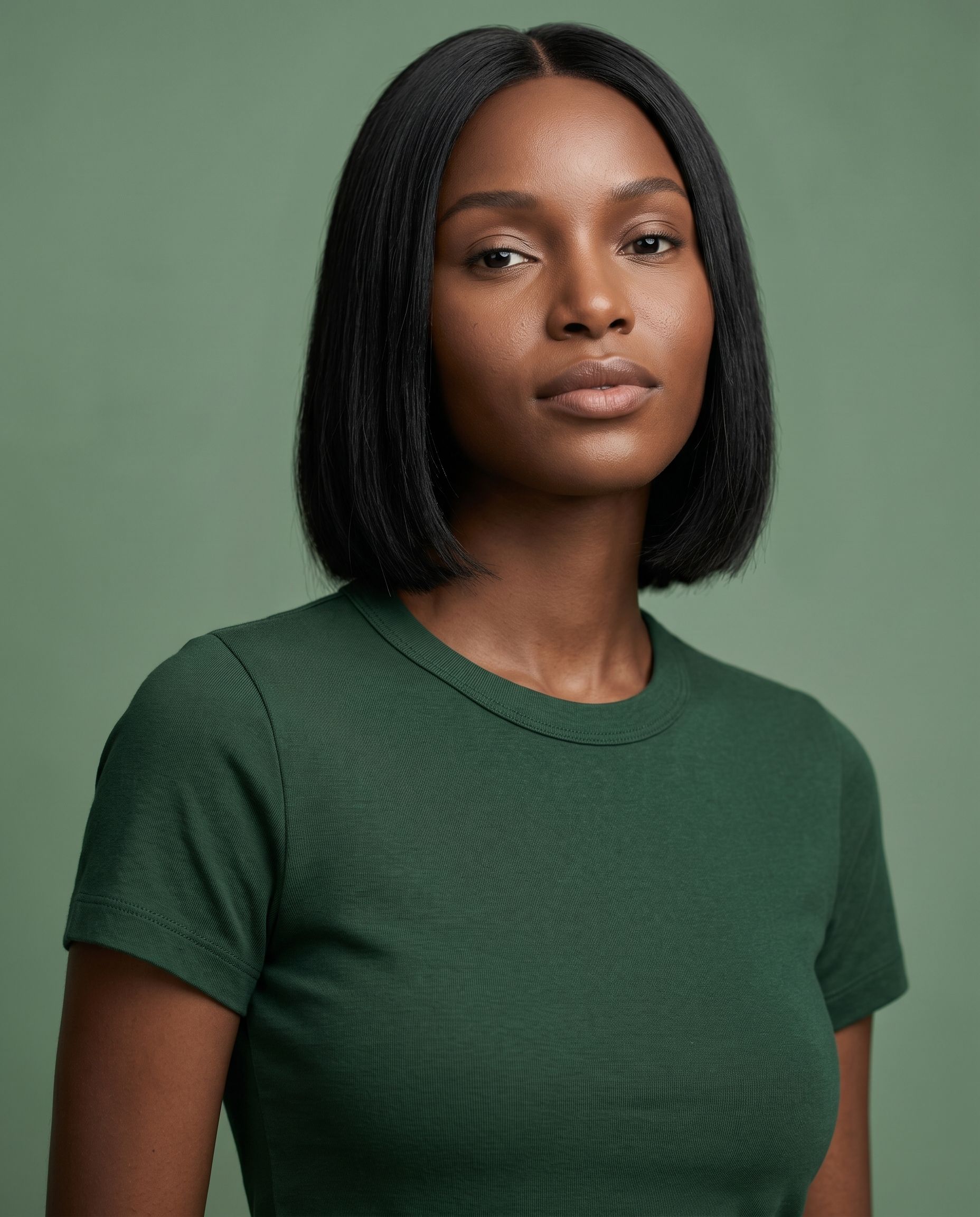
Start with your real garment, kept real — then put it on models and styles chosen to make shoppers stop and want it.

Test it on my garment

5 photos free. No credit card. One free retry per photo. Tested on your own garment.

Same product. Presented to make shoppers want it.

One real garment photo becomes a coordinated Amazon listing set — keeping the product true while showing it in ways shoppers are more likely to notice, understand and want.

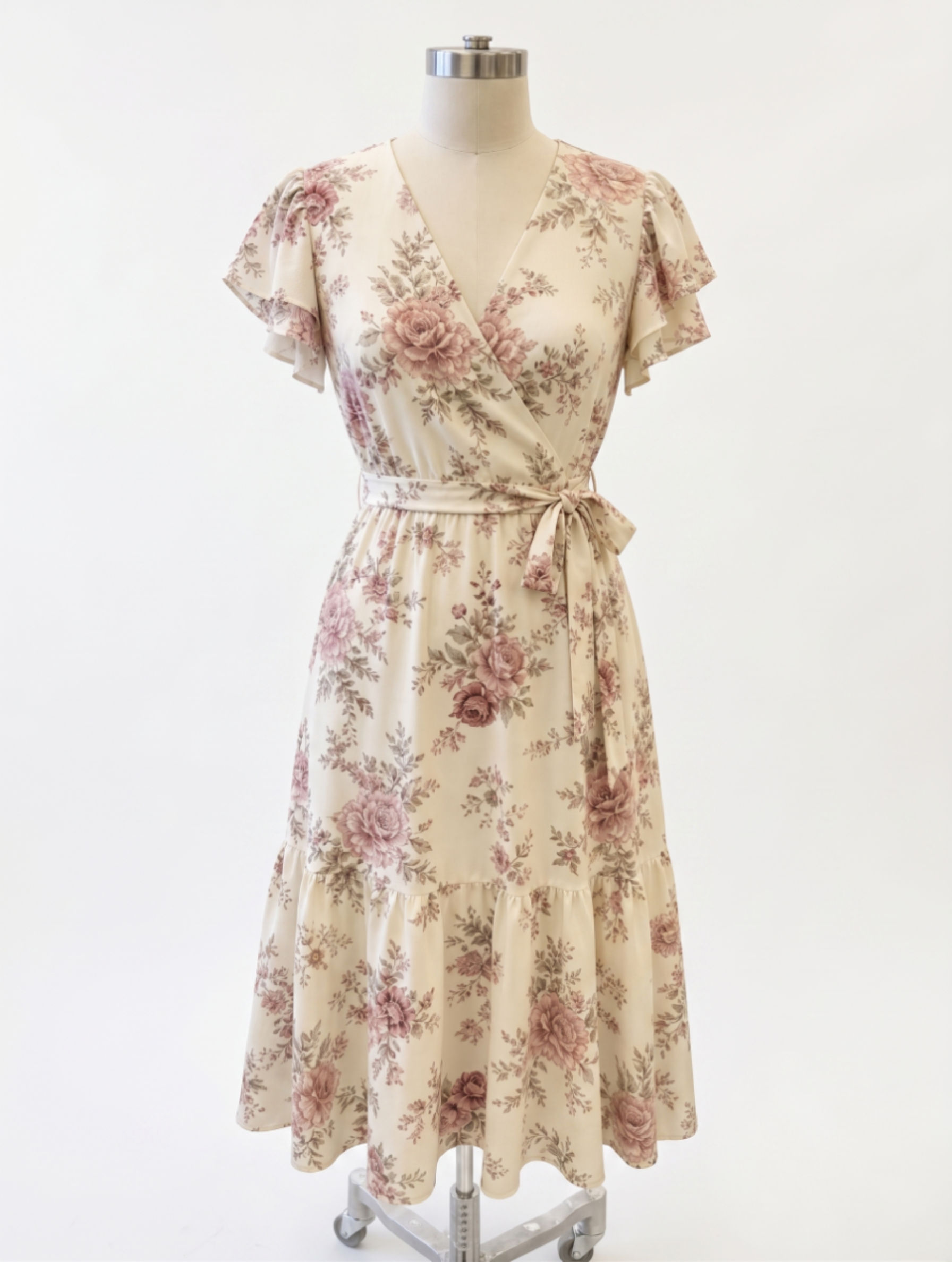
Source Garment
Original source garment uploaded to Fotool

The real product uploaded by the seller

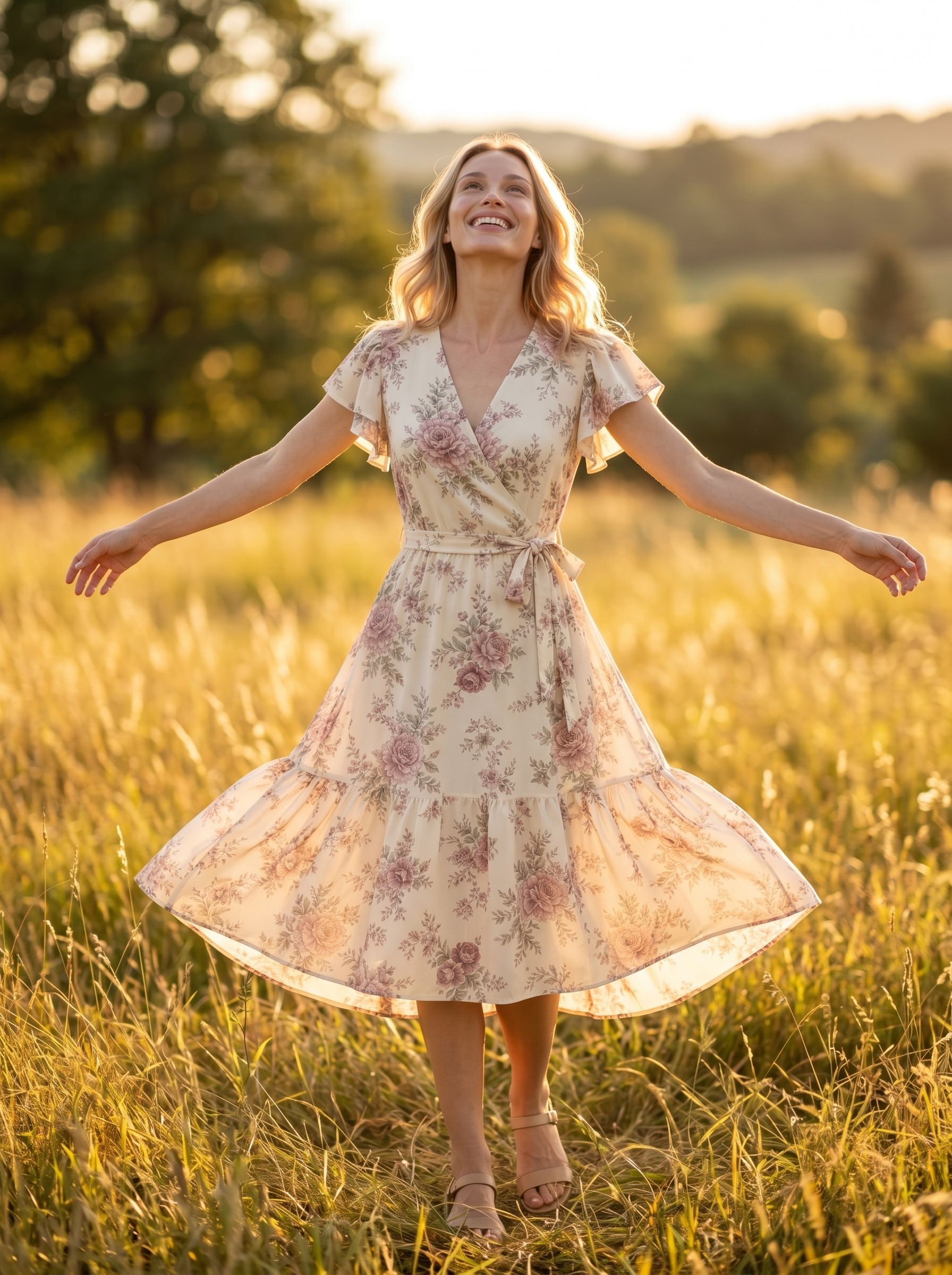
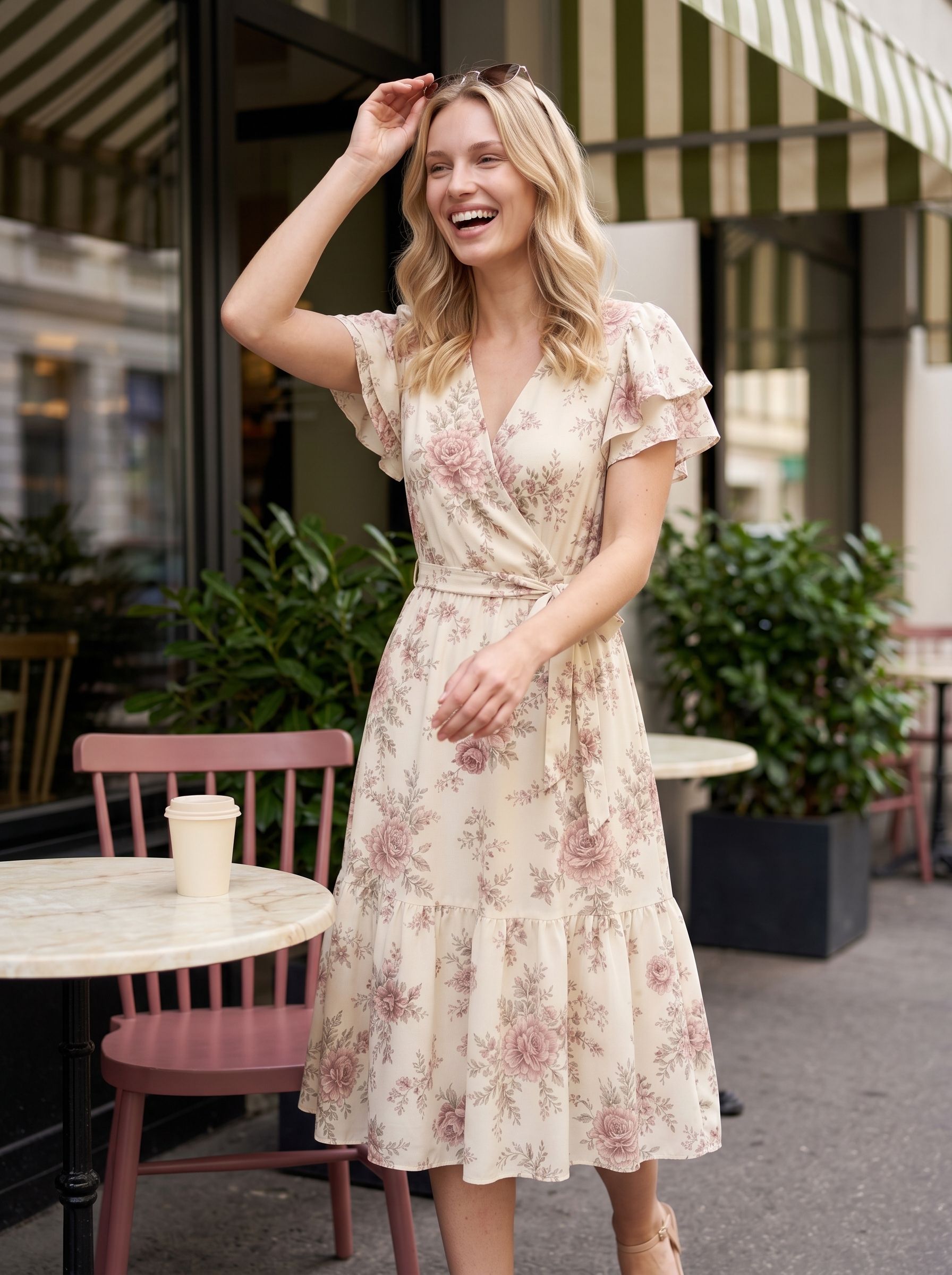
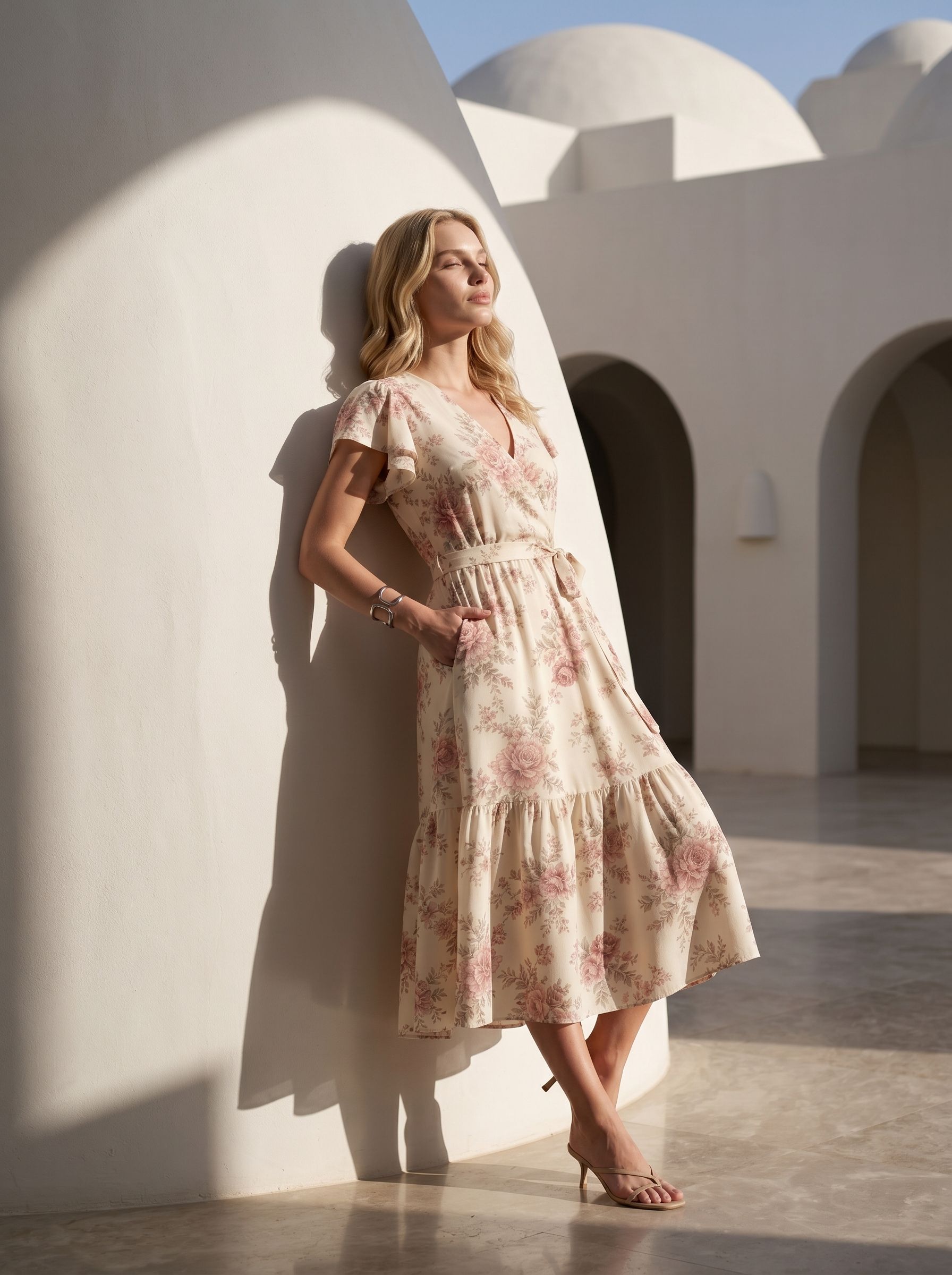
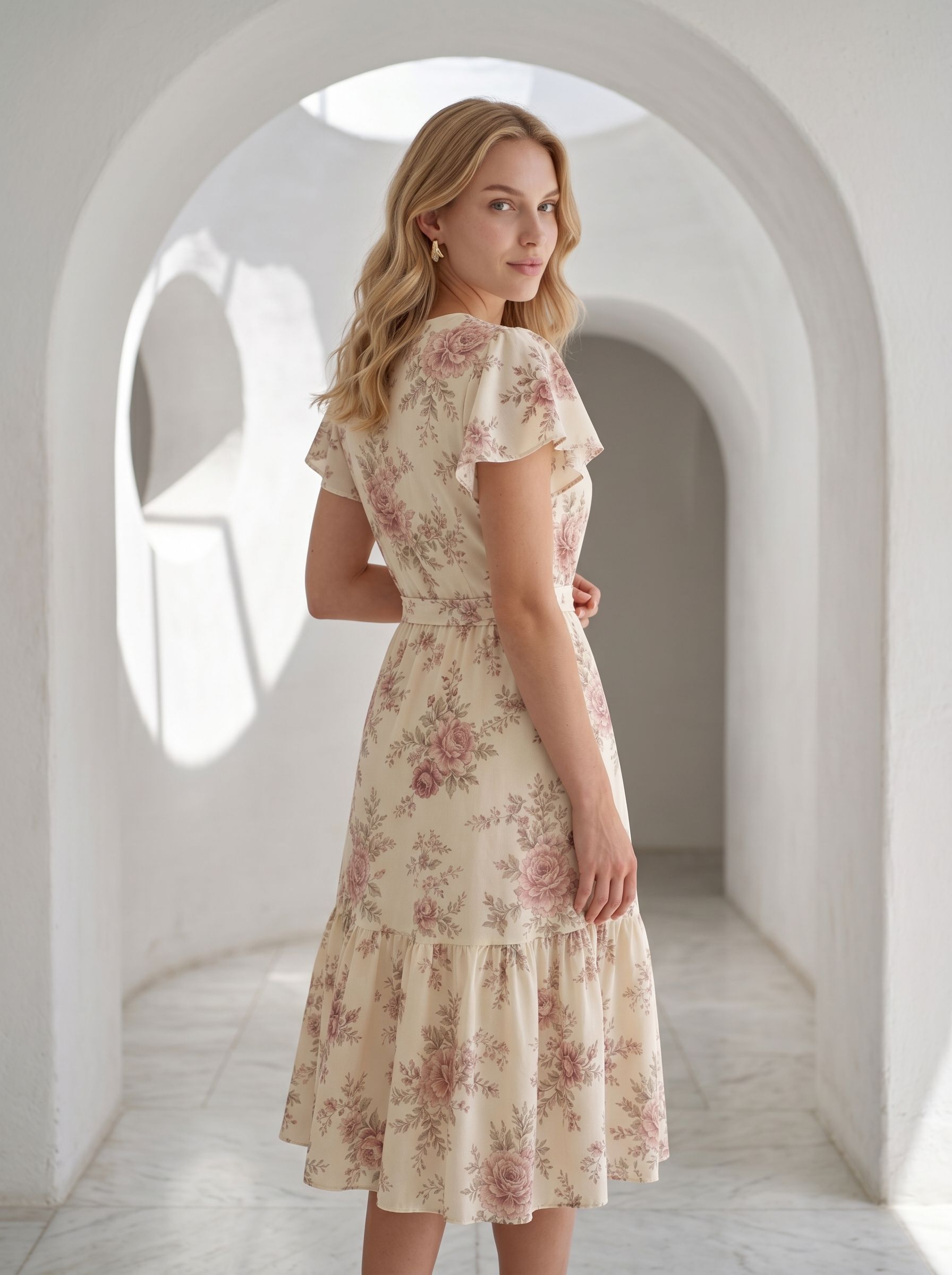
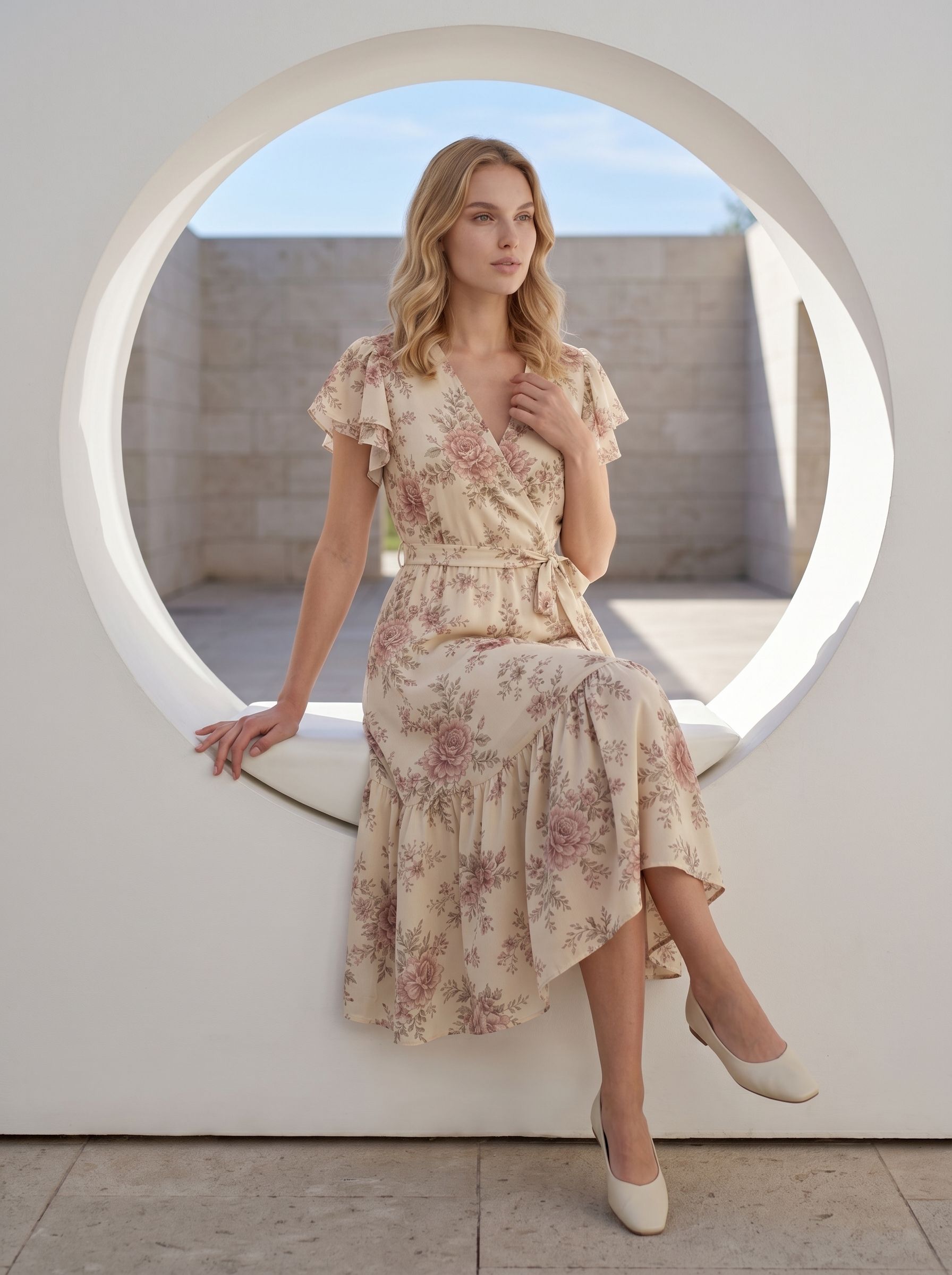
Fotool-generated Amazon listing photo from the original garment
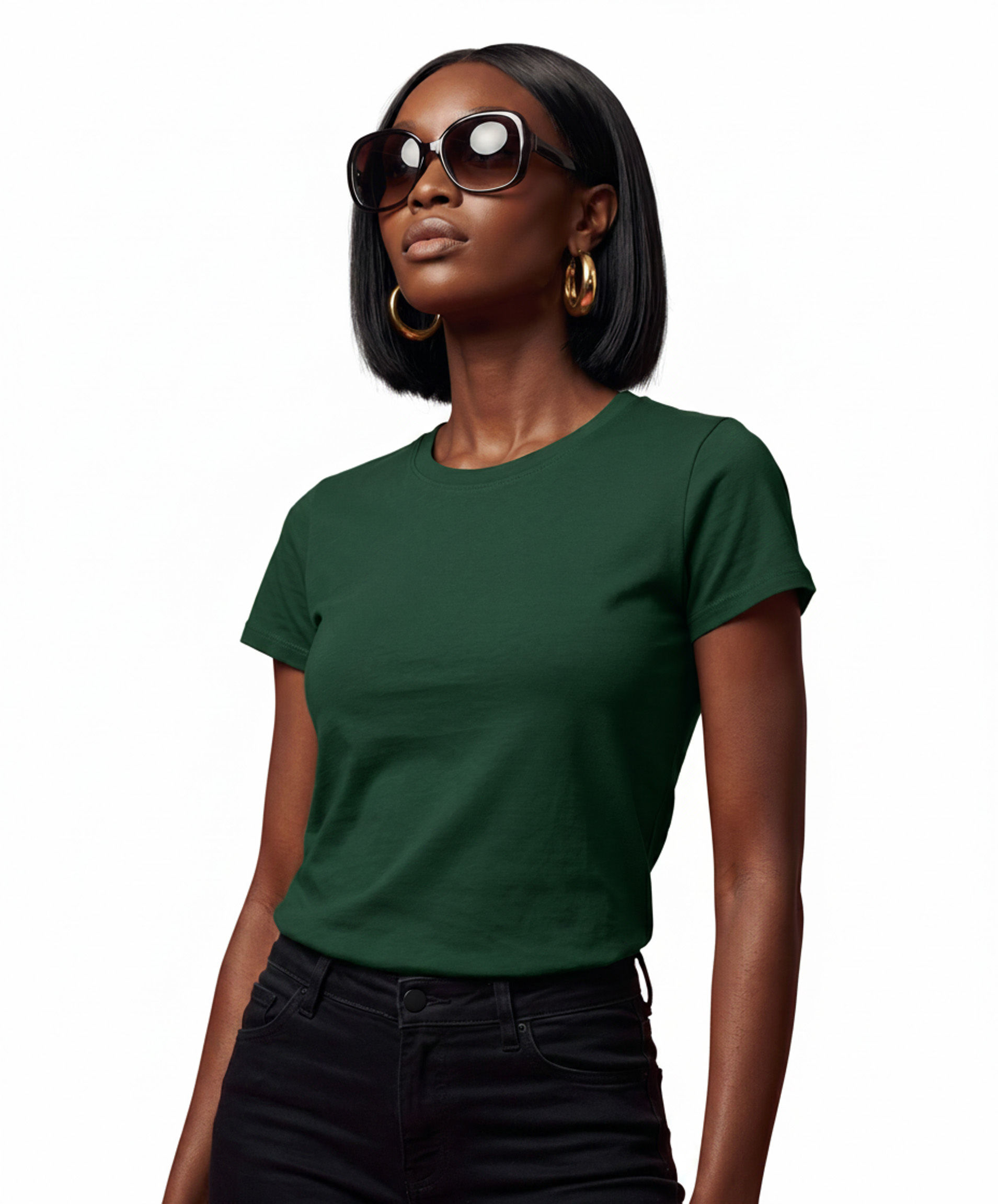
Second Fotool-generated listing view of the original garment
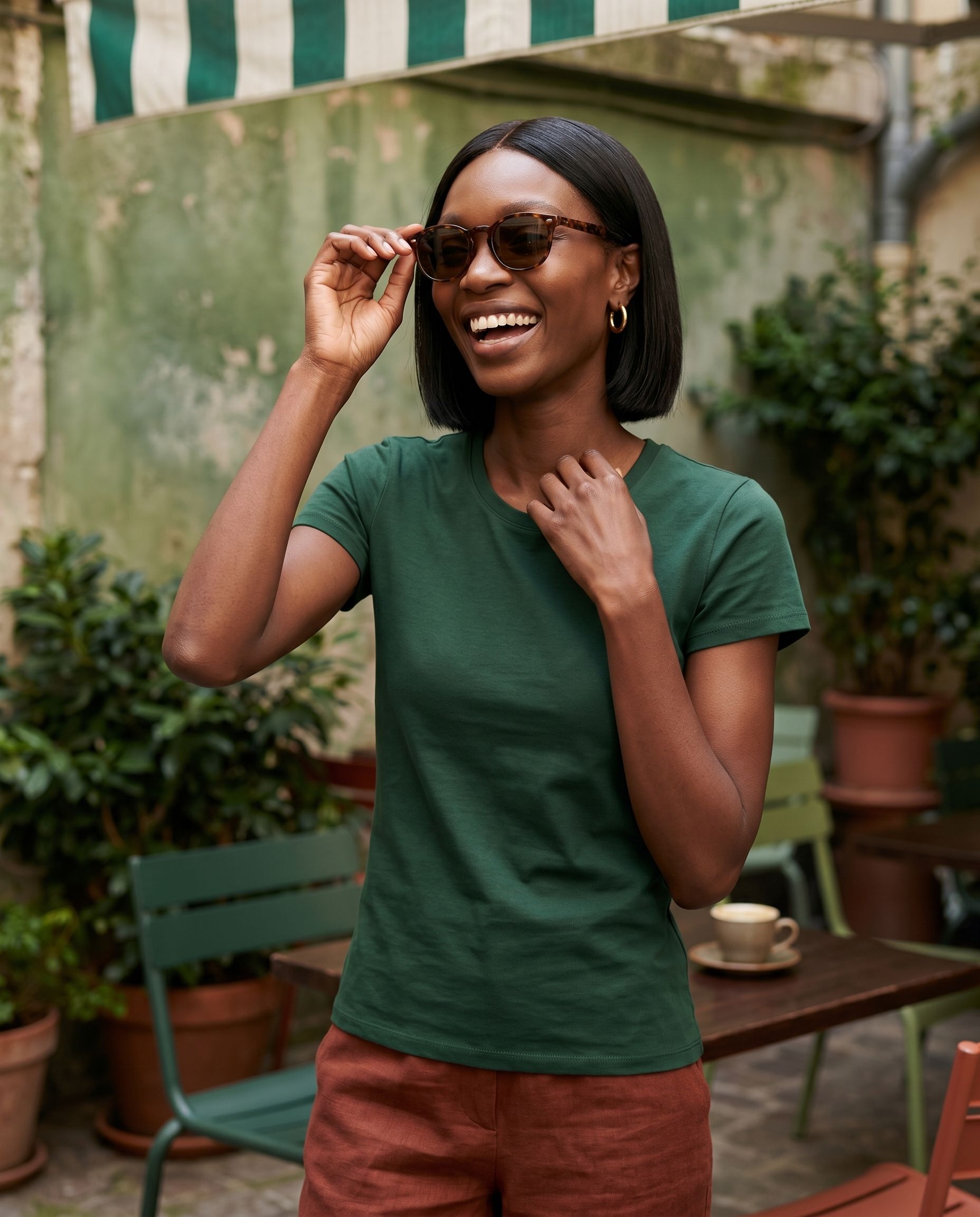
Third Fotool-generated listing view of the original garment
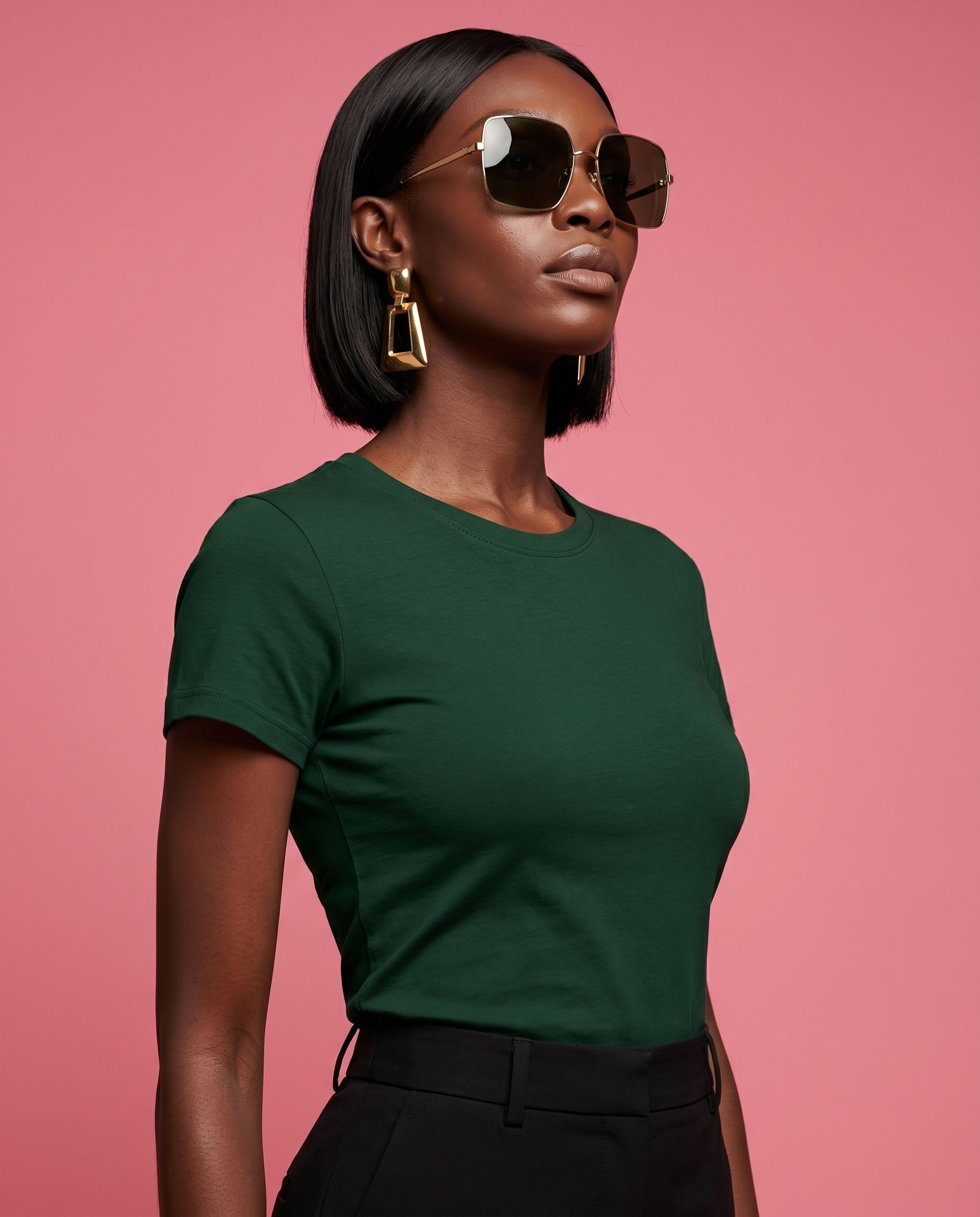
Fourth Fotool-generated listing view of the original garment
Fifth Fotool-generated listing view of the original garment

Swipe to see the full listing set

Same print Same silhouette Same design details Stronger first impression Coordinated listing set

Keep the product true. Make the presentation work harder.

AI made the images. But not the kind you could confidently use to sell your product.

The product didn’t look right

The cut, color, print, fabric or fit no longer felt true to the product you actually sell.

The images felt artificial

Plastic-looking skin, unnatural fabric, generic poses or a result that looked generated instead of desirable.

Credits burned on unusable images

You paid for more attempts, but the results still were not accurate or convincing enough to put in your listing.

You didn’t need more AI outputs. You needed photos that kept the real product intact and made shoppers want to look closer.

Don’t trust another perfect demo.
Test Fotool on the garment AI couldn't show properly.

Judge the result by what actually matters: does it still look like your product?

Test it on my garment

5 photos free. No credit card.

Once it still looks like your garment, the photo has to earn the sale.

On Amazon, shoppers make a split-second visual decision from the image before they read the details.

The first photo has to earn attention. The rest of the listing set should build interest and desire — helping shoppers picture themselves wearing the garment.

If the presentation feels flat, generic or artificial, they may scroll past before your product ever gets the chance to be considered.

Strong, accurate photos give a good product a better chance to be noticed, understood and wanted.

Fotool-generated Amazon clothing listing photo shown on a model

One photo earns attention. The full set builds desire.

Your main image has to make shoppers stop. The next photos should help them understand the fit, see the details, and picture themselves wearing the garment.

Main Fotool-generated listing image designed to earn shopper attention

Main image

Earn attention

Give shoppers a clear reason to stop and look closer.

On-model Fotool-generated listing photo helping shoppers picture the fit

On-model view

Help them picture the fit

Show how the garment looks, falls and feels on a real person.

Styled Fotool-generated listing view designed to build shopper interest

Styled view

Build interest

Show the garment with a more styled feel so shoppers stay interested.

Fotool-generated listing photo showing garment details and texture

Detail view

Build confidence

Bring attention to the fabric, print, texture and product details.

Lifestyle Fotool-generated listing photo designed to create desire

Lifestyle view

Create desire

Show the garment in a way that helps shoppers feel, “I want that.”

Five photos. Five jobs.

Use your five free photos to test the shots your listing needs most.

Test it on my garment

Start with one garment. No credit card.

NO PROMPTS TO LEARN

A coherent set. No prompt writing.

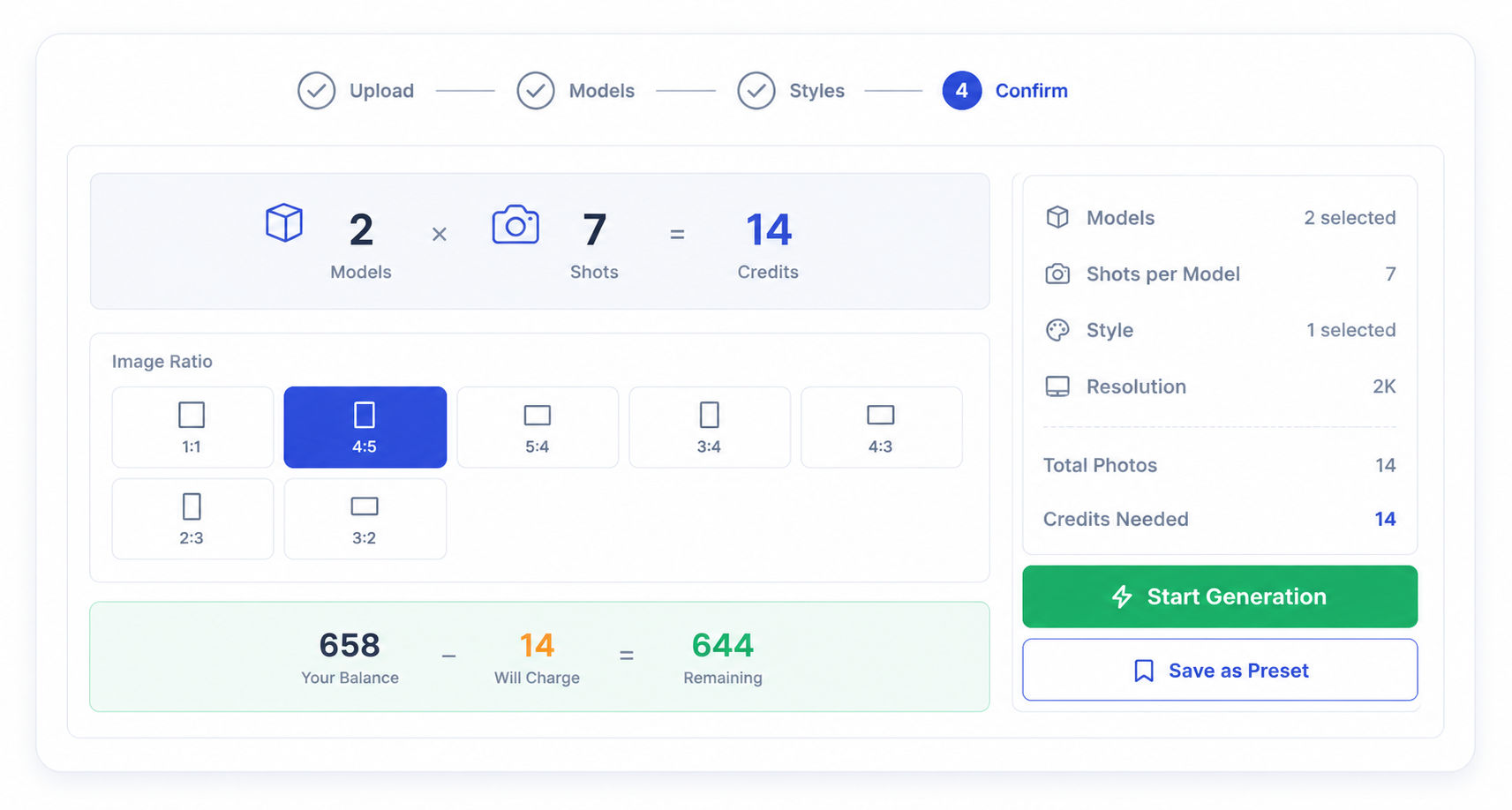
Upload your garment, choose the model and shots, then review. Same input, coherent set — not random results.

1

Upload your garment

Use a supplier photo, flat-lay, mannequin shot or current catalog image.

Upload your garment
2

Choose a model

Pick the model that fits your product, audience and visual direction.
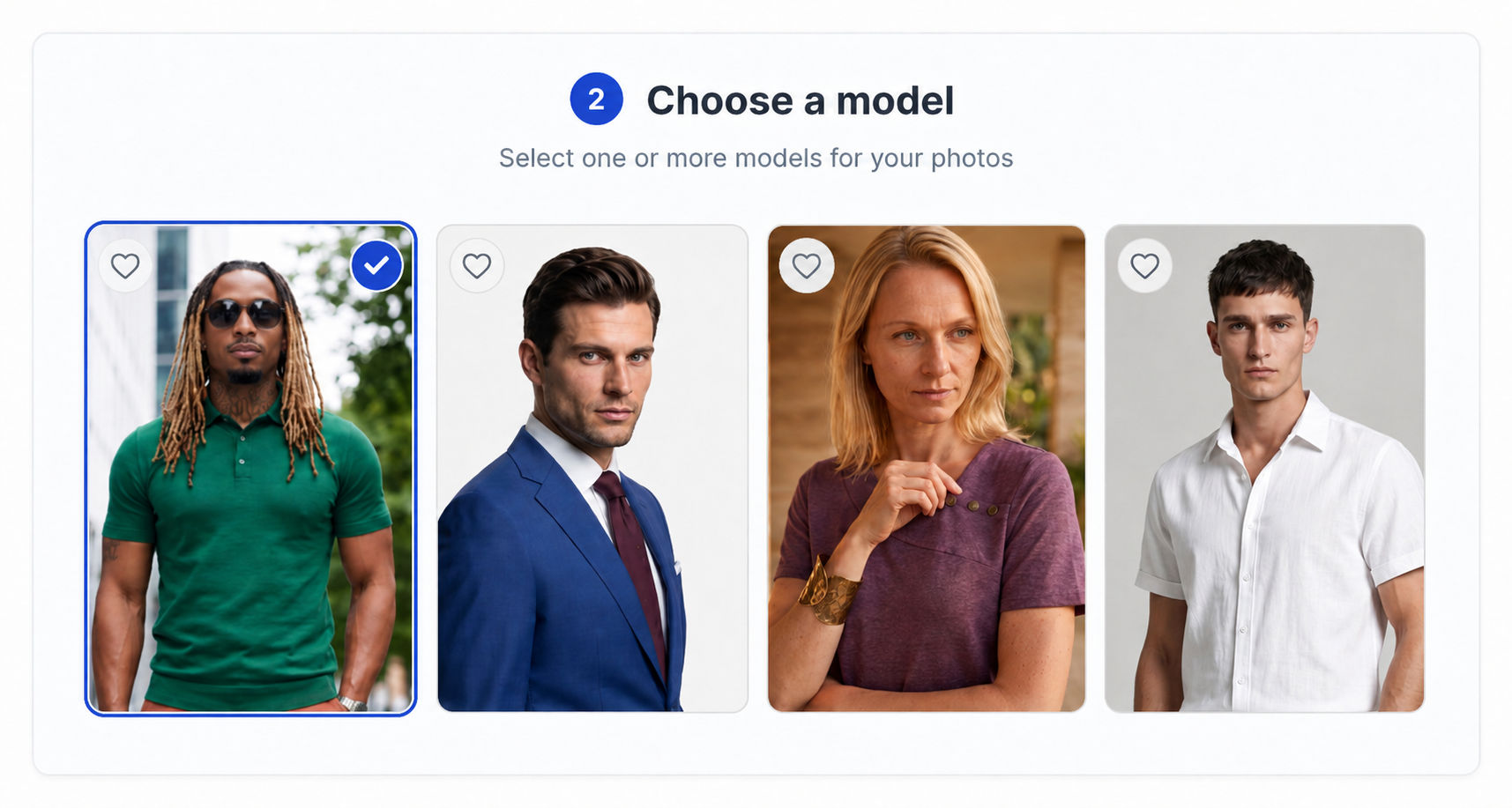
Choose a model
3

Choose the look

Select the style and listing views you want: attention, fit, detail and context.
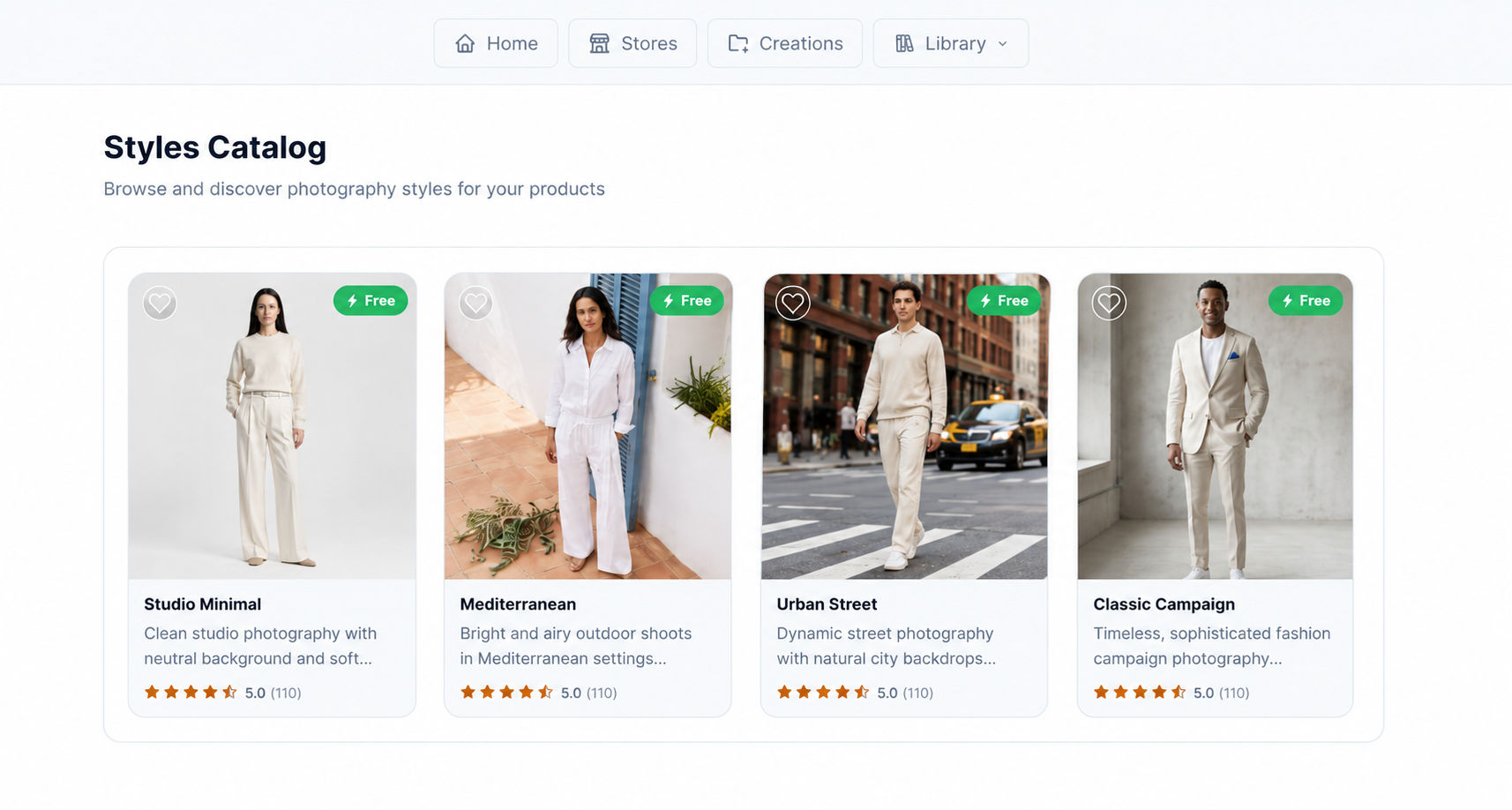
Choose the look and shots
4

Generate and review

Review the set, use a free retry when needed and download the photos.
Generate and review

No prompt engineering. No design software. No catalog import required for the first test.

If a photo is close, refine it once for free.

Add a simple instruction and regenerate that photo once without using another credit.

Change the pose Adjust the angle Refine the framing

All photos, including free retries, are delivered in 2K.

Stop gambling with generic AI.

The difference isn't just quality — it's predictability.

Generic AI image workflow

  • - The garment drifts between outputs
  • - Same prompt gives different, random results
  • - Credits are wasted on entirely unusable images
  • - You have to assemble the listing story yourself

Fotool listing workflow

  • The real garment stays locked as the reference
  • The photos are planned as one coordinated set
  • One free retry per photo protects your workflow
  • Organized around your real product and workflow

Fotool is not just helping you make more images. It helps you build a product photo set with a clear selling job.

Test it on my garment
BUILT FOR AMAZON CATALOG WORKFLOWS

Start with one garment. Then bring your Amazon catalog into Fotool.

After the free test, add your Merchant ID to bring Amazon products into your Fotool workspace and generate larger listing-photo batches by SKU.

REAL FOTOOL BATCH

59 products. 708 images. One batch.

A real Fotool job showing how catalog-level product photography can run across many products without managing each item as a separate project.

Generated on Fotool servers while the seller kept working.
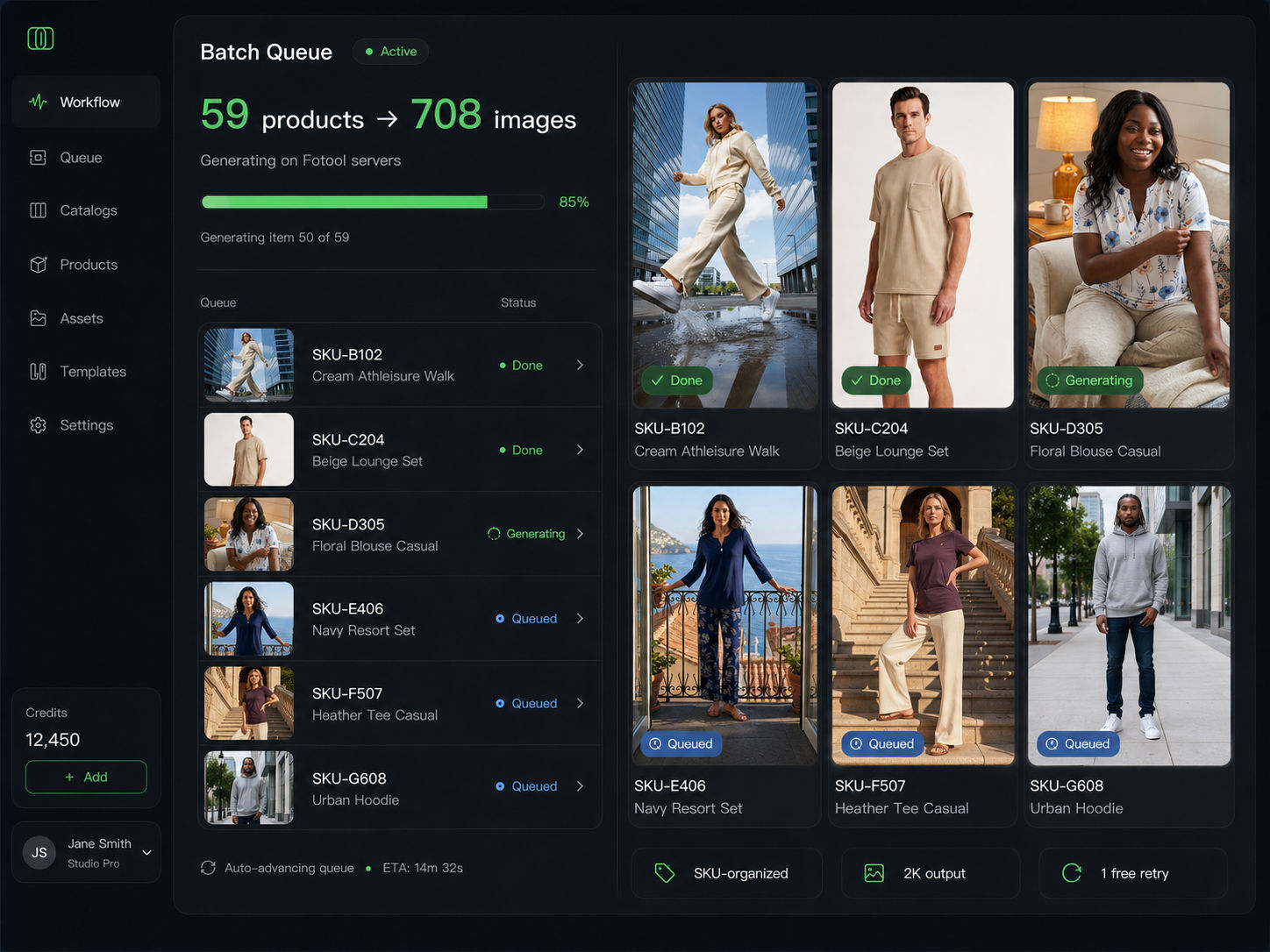
Fotool batch dashboard showing 59 products and 708 generated images

Add Merchant ID

Paste your Amazon Merchant ID to connect your seller catalog.

Import Amazon products

Bring products into Fotool instead of creating every item manually.

Work by SKU

Keep each product and generated photo set connected to the right SKU.

Run batch generation

Run larger listing-photo batches on Fotool servers while you keep working.

Amazon-first workspace

Keep models, styles, shot types and generated photos in one Amazon-focused workspace.

Catalog import limits depend on your plan.

Start with one garment. Bring in the catalog only after Fotool earns your trust.

Test it on my garment

5 listing photos free. No credit card required.

DOCUMENTED FOR COMMERCIAL USE

Your AI product photos should come with proof, not just pixels.

Fotool gives Amazon clothing sellers more than generated images. Each generated photo is backed by a generation certificate and C2PA content credentials, with commercial-use rights according to your Fotool plan and terms — giving you a clearer record of origin, usage and product connection.

Commercial-use license

Use generated photos for product-listing work according to your Fotool plan and terms — instead of relying on unclear AI output rights.

Generation certificate

Keep a clear record for each image created inside Fotool, connected to the product, SKU and generation workflow.

C2PA content credentials

Fotool includes C2PA metadata to help show how the image was created and support content provenance if questions arise.

If questions come up about origin, usage or ownership, you have more than a file — you have a clearer record to point to.

Example of a Fotool certificate generated for a completed photo project

Example Fotool project certificate.

TEST FIRST. DECIDE AFTER.

Don't judge another demo. Test the product AI couldn't show properly.

Upload one real garment and see whether Fotool can turn it into selling-focused Amazon listing photos — while keeping the product you actually sell.

Test it on my garment

5 photos free. No credit card. One free retry per photo.

Your real garment
Selling-focused listing set
Commercial-use record included

Questions before you test Fotool?

Here are the practical details sellers usually want to know before uploading their first product.

What do I get for free?
You can create 5 listing photos for one real garment without adding a credit card. Each photo also includes one free retry if the result is close but needs a simple refinement.
Do I need a credit card to start?
No. You can start the free test without a credit card.
When are credits used?
Credits are used when you generate photos. If a photo needs a small adjustment, you can use one free retry for that photo without using another credit.
What kind of product photo can I upload?
You can start with a supplier photo, flat-lay, mannequin shot or current catalog image. The better the source photo shows the real garment, the easier it is to keep the product true in the final images.
Can I use the generated photos commercially?
Generated photos can be used for product-listing work according to your Fotool plan and terms. Fotool also provides a generation certificate and C2PA content credentials to support a clearer record of origin and usage.
How does Amazon catalog import work?
When you are ready to scale beyond one product, you can add your Amazon Merchant ID and bring Amazon catalog products into Fotool. Catalog import limits depend on your plan.
Will better photos guarantee more sales?
No tool can guarantee sales. Strong, accurate photos give a good product a better chance to be noticed, understood and wanted by shoppers — but final sales depend on the product, price, reviews, offer and marketplace conditions.
What if a photo is close, but not quite right?
Each generated photo includes one free retry. You can give a simple instruction, such as changing the pose, adjusting the angle or refining the framing, and regenerate that photo once without using another credit.

Still want to check the plans first? See pricing.

5 FREE LISTING PHOTOS

Create your first 5 listing photos from your own garment.

Confirm your email, get your activation code and test Fotool on one real garment. No credit card. One free retry per photo.

Use your own garment. Judge the result yourself.